Exercise 1: First Terra Draw Implementation

Let's create a basic Terra Draw setup with MapLibre GL JS. Update your src/routes/+page.svelte:

Basic TerraDraw setup

Firstly, we can setup Terra Draw without any UI interaction.

Open +page.svelte, add the following codes in the <script> tag section just under the other imports.

import { TerraDraw, TerraDrawRectangleMode } from 'terra-draw'
import { TerraDrawMapLibreGLAdapter } from 'terra-draw-maplibre-gl-adapter';

let draw: TerraDraw | undefined;

Then update the existing onMount() method to also intialize the TerraDraw library after the MapLibre map is created.

onMount(() => {
    // Add codes in the last section of onMount after the map initialization

    draw = new TerraDraw({
        // Using the MapLibre Adapter
        adapter: new TerraDrawMapLibreGLAdapter({ map }),

        // Add the Rectangle Mode
        modes: [new TerraDrawRectangleMode()],
    });

    // Have to wait maplibre to load map style before starting to draw
    map.once('load', () => {
        // Start drawing
        draw.start();
        draw.setMode("rectangle");
    })
})

You can draw a rectangle polygon on the map like below.
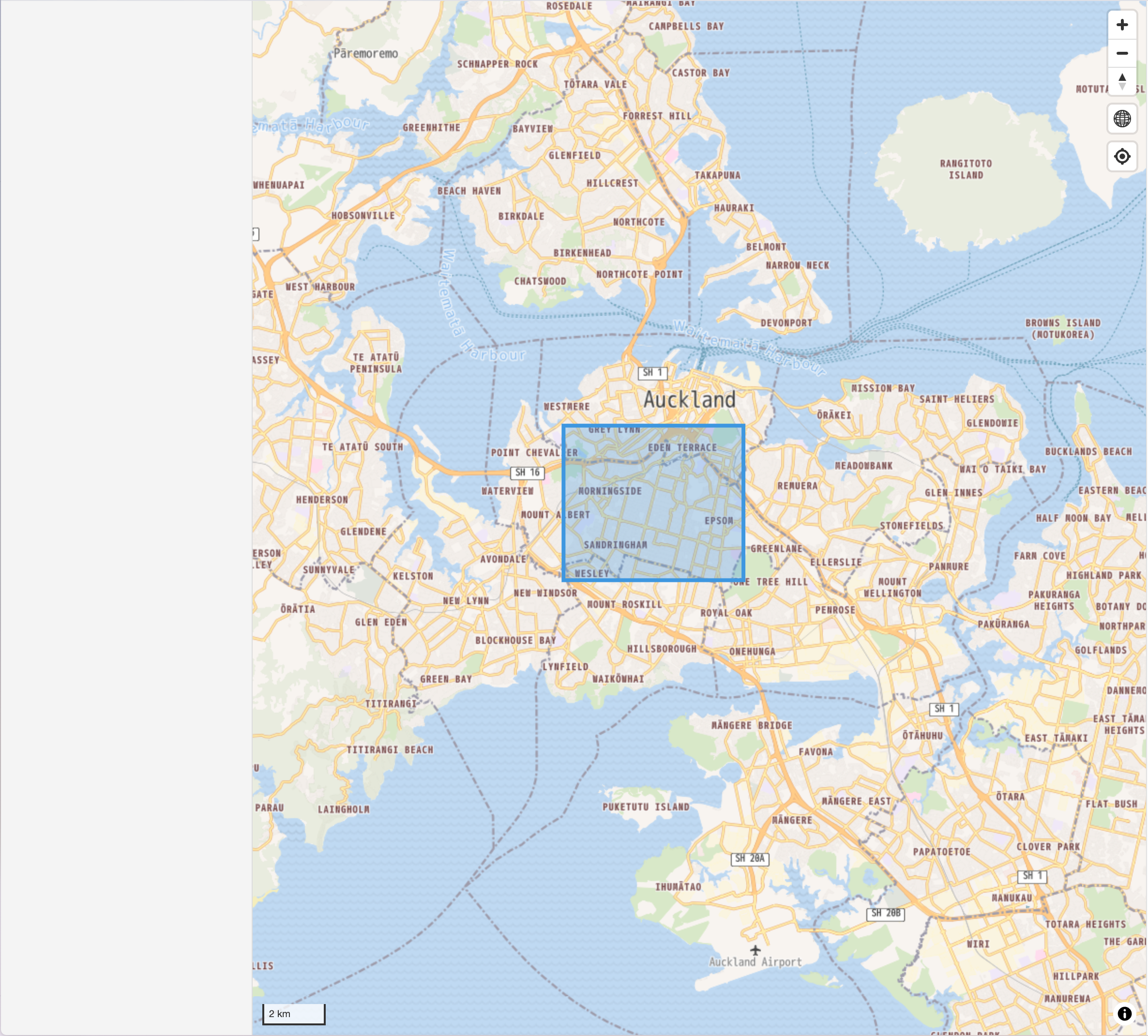
Terra Draw Rectangle Mode without UI interactions

Testing Your Implementation

  1. Save your changes and the Vite development server should automatically reload
  2. Open your browser to http://localhost:5173
  3. Test drawing - click on the map to create rectangles

Example code

The above example code is available at example/without-ui branch.

What's Next?

Now that you have a working Terra Draw implementation without UI, let's add more Terra Draw modes with UI buttons.

← Back to page