Terra Draw Introduction
Before we install anything, let's look at what Terra Draw is, the problem it solves, and where the project stands in 2026.
What is Terra Draw?
Terra Draw is an MIT licensed, zero dependency JavaScript library for drawing geometries on web maps. Instead of being tied to one mapping library, it provides a single API that works across six of them — MapLibre GL JS, Leaflet, OpenLayers, Mapbox GL JS, Google Maps and the ArcGIS Maps SDK.
It is created and maintained by James Milner, and the source lives at JamesLMilner/terra-draw.
Why does it exist?
Drawing on a web map has always been possible, but historically every mapping library had its own drawing plugin — with its own API, its own quirks, and in several cases no active maintenance.
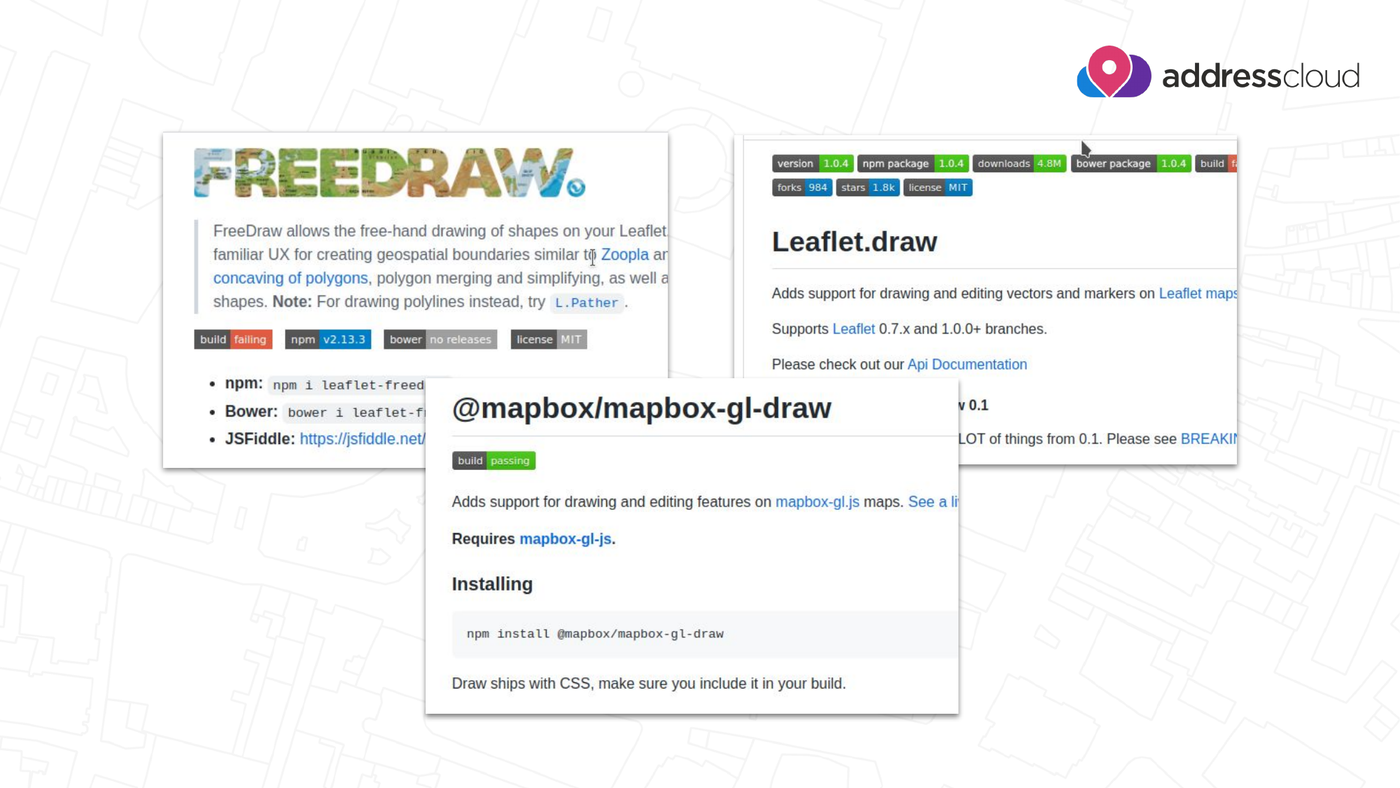
The pre-Terra Draw landscape: FreeDraw and Leaflet.draw for Leaflet, @mapbox/mapbox-gl-draw for Mapbox GL JS. Slide from James Milner's FOSS4G Europe 2026 talk.
That meant switching your base map library — something a lot of projects did after the Google Maps and Mapbox licensing changes — also meant rewriting your entire drawing layer. Terra Draw removes that coupling: the drawing logic stays the same, and only the adapter changes.
Design goals
Terra Draw is built around four goals:
- Cross map library support — the same code runs on any supported library
- Custom modes — you can write your own drawing tools, not just use built-ins
- Deep styling control — every geometry can be styled, including per-feature
- Zero dependency — no transitive packages pulled into your bundle
Architecture
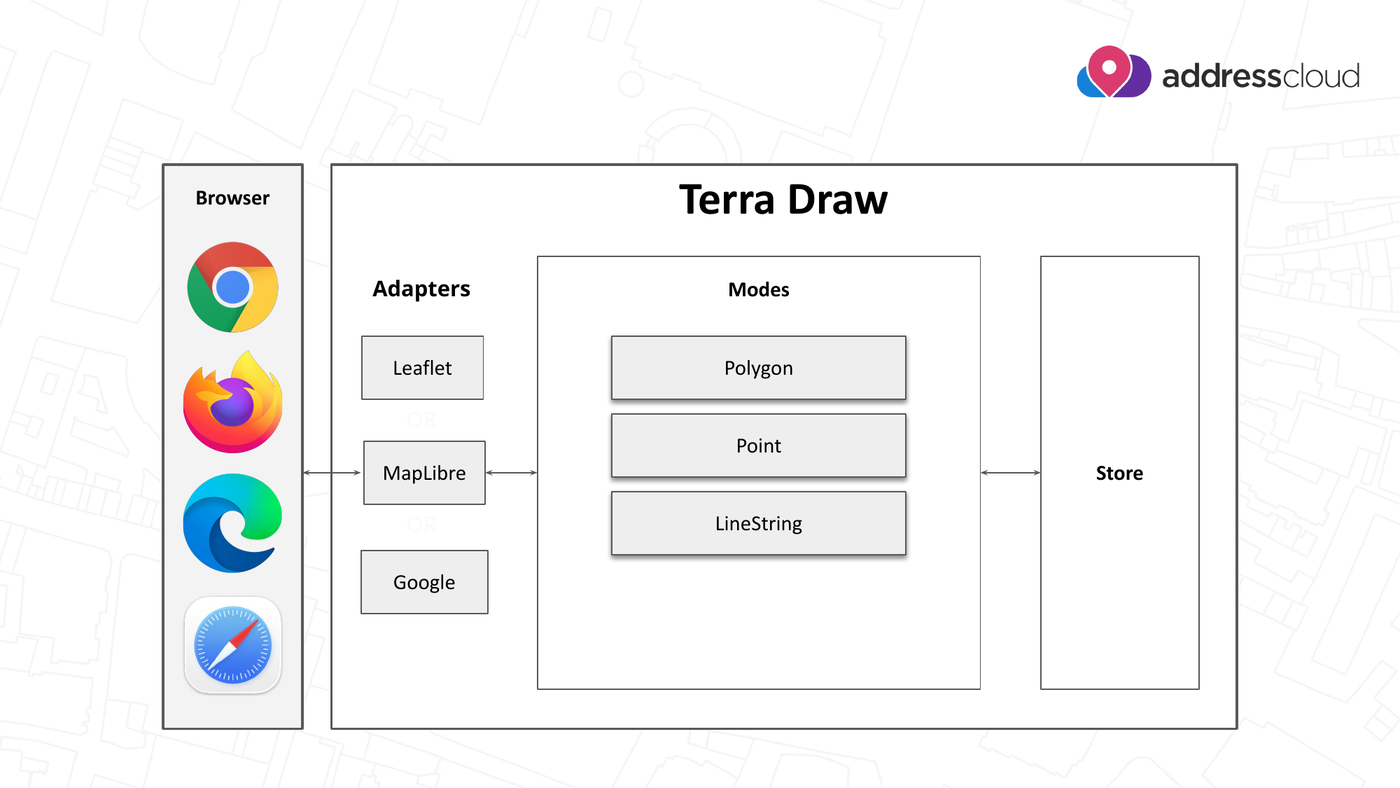
Terra Draw architecture. Slide from James Milner's FOSS4G Europe 2026 talk.
Three concepts carry through every exercise in this workshop:
| Concept | What it does |
|---|---|
| Adapter | Binds Terra Draw to one specific map library, e.g. TerraDrawMapLibreGLAdapter |
| Modes | The drawing tool currently in use, e.g. TerraDrawPolygonMode, TerraDrawPointMode, TerraDrawSelectMode |
| Store | The GeoJSON features you have drawn — the single source of truth you read from and write to |
Putting them together always looks like this:
const draw = new TerraDraw({
    adapter: new TerraDrawMapLibreGLAdapter({ map }),
    modes: [new TerraDrawPolygonMode()]
});

draw.start();
draw.setMode('polygon');
We look at each concept in detail — and run this code for real — in Core Concepts and Exercise 1.
Supported map libraries
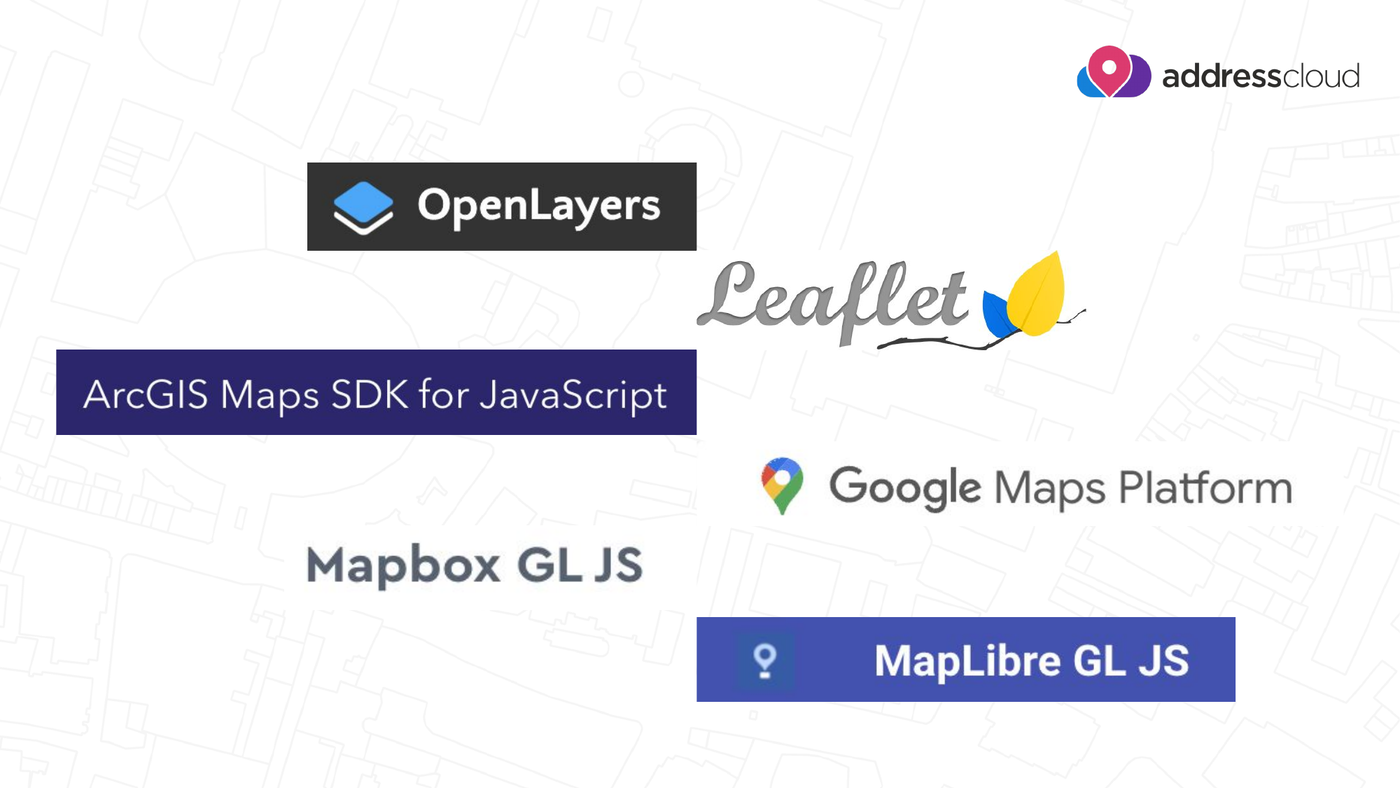
The six mapping libraries Terra Draw supports. Slide from James Milner's FOSS4G Europe 2026 talk.
Each library gets its own adapter package:
- MapLibre GL JS —
TerraDrawMapLibreGLAdapter(used throughout this workshop) - Leaflet —
TerraDrawLeafletAdapter - OpenLayers —
TerraDrawOpenLayersAdapter - Mapbox GL JS —
TerraDrawMapboxGLAdapter - Google Maps —
TerraDrawGoogleMapsAdapter - ArcGIS Maps SDK for JavaScript —
TerraDrawArcGISMapsSDKAdapter
We rewrite the same exercise for each of them in Other mapping libraries.
What's new in 2026?
Terra Draw has moved quickly since the 2025 edition of this workshop. The highlights below follow James Milner's talk Terra Draw: What's new for 2026? at FOSS4G Europe 2026.
- Undo / redo (v1.26) — a long-requested feature, and a hard one to build. It is a two part system: mode level undo/redo works while you are drawing a single feature, and session level undo/redo works across modes on completed changes. They can be used together or independently. → Exercise 7
- Styling improvements — per-feature opacity for points, linestrings and polygon outlines (v1.24), and dashed line support (v1.30, extended with styling functions in v1.32). → Exercise 4
- Polyline mode (v1.31) — draw a line and finish it as a LineString, or click its first point again to close it into a Polygon, the way many desktop GIS tools behave. → Exercise 2
- Multiple instances of the same mode (v1.19) — give each instance its own
modeNameand run, say, two polygon modes with different configuration and styling side by side. → Core Concepts - Click and drag drawing — rectangle and circle modes can now be drawn by dragging, instead of clicking once per corner. See the Modes guide.
Tip
The full talk description and the original slides are on the FOSS4G Europe 2026 programme page.
Getting involved
Terra Draw is an open source project and welcomes contributions:
- Star the repository at JamesLMilner/terra-draw
- If you find a bug, open a clear, reproducible issue
- Discuss issues on the tracker and raise pull requests
What's Next?
Now that you know what Terra Draw is, let's get your environment ready.